
WordPress SEO Tips to Get More Visitors to Your Blog
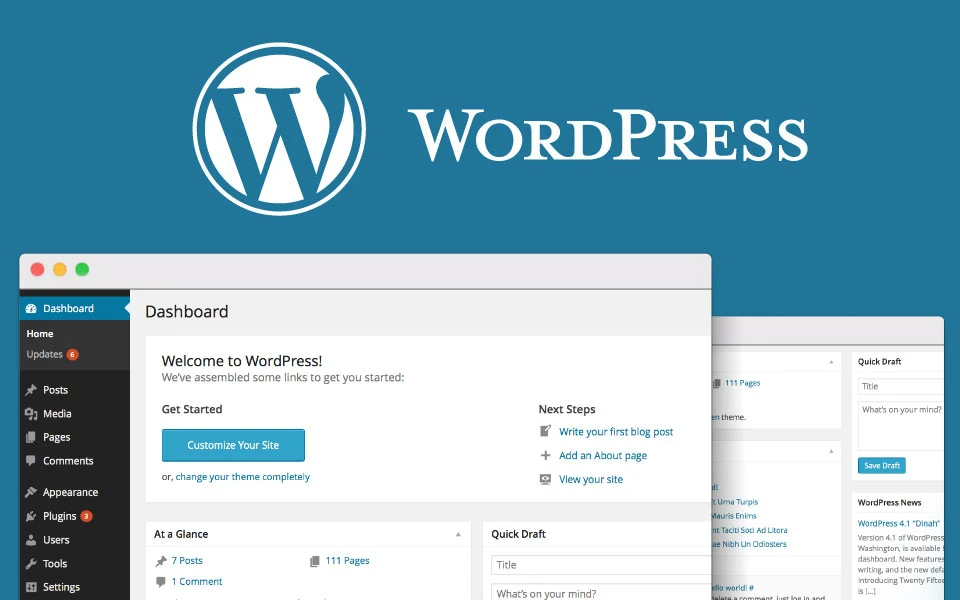

WordPress powers millions of websites, but getting people to visit your own site can feel hard. You write a great post, hit publish, and then nobody comes. The good news is that basic WordPress SEO can fix this problem fast without any coding skills.
Search engine optimization helps Google read your blog and show it to people who search for your topics. By tweaking a few basic settings and writing clearer titles, you can bring steady visitors to your site every week. You do not need to be a tech expert to get real results.
Choose a Fast and Simple Theme
Your theme does more than just make your site look pretty. It controls how fast your pages load on mobile phones. Google penalizes slow websites, so a heavy theme can hide your blog deep in search results.
Pick a lightweight theme that loads in under two seconds. Avoid themes loaded with fancy animations, huge background scripts, and tens of built-in features you will never touch. A clean look helps your text stand out while keeping your loading times super fast.
Test your site speed using free online tools once a month. If your pages load slowly, try removing big images or switching to a simpler layout. Fast pages keep your readers happy and make Google trust your blog more.

Set Up Your WordPress Permalinks Right
Permalinks are the web addresses for your individual blog posts. By default, old WordPress sites sometimes used web addresses full of numbers and symbols. Those links confuse both human readers and search engines.
Go to your WordPress settings panel and click on the permalink section. Change the setting to Post Name so your link looks clean. A post link like mywebsite.com/easy-recipes is much better than mywebsite.com/?p=123.
Using short links with your main topic word helps Google understand the page instantly. It also makes your links look safe and easy to click when you share them on message boards or social chat apps.
Install One Good SEO Plugin
You do not need ten different tools to manage your site. Installing too many plugins will slow down your server and cause software glitches. One single plugin is enough to handle all your basic settings.
Popular free choices include Yoast SEO, Rank Math, or All in One SEO. These tools add a simple box below your post editor window. They show you exactly how your title and description will look on Google search results pages.
The plugin green light system serves as a basic guide, not a strict rulebook. Fill in your focus topic, write a friendly meta description, and make sure your title fits on mobile screens. Do not stress over reaching a perfect score every single time.
How to Optimize Blog Posts for Google Search
Writing for search engines means organizing your thoughts so readers find answers quickly. Use short sections and bold headers to break up your text. People tend to skim pages on their phones before reading every word.
Put your main topic word in your first sentence, inside your main header, and twice in the body text. Do not repeat it fifty times, because Google will mark your post as spam. Speak naturally like you are talking to a neighbor over coffee.
Add helpful visual elements to keep readers on your page longer. If you film video guides for your readers, check out our guide on How to Shoot Great Videos with Your Phone in 2026 to add crisp clips to your posts. Engaging content lowers your bounce rate, which tells Google your post is helpful.
Write Catchy Titles That People Want to Click
Your blog title is the front door to your article. Even if your post ranks at the top of Google, nobody will visit if your title sounds boring or robotic. You need a headline that promises a clear benefit.
Use numbers or simple questions in your headlines to catch eyes. Titles like 5 Easy Ways to Save Money or How to Fix a Slow Phone work great. Keep your titles under sixty letters so Google does not cut off the end of your sentence.
Avoid clickbait titles that make promises your article does not keep. Readers will leave your site in five seconds if they feel tricked. Disappointed readers leave immediately, which hurts your search rankings over time.
Compress Every Image Before Uploading
Huge photo files are the top reason websites run slow. Photos taken on mobile phones or cameras can easily measure five megabytes each. Uploading three big photos can make your page take ten seconds to load.
Run your images through free web compressor sites before adding them to your media library. You can reduce file sizes by eighty percent without losing any visible quality. Aim to keep every blog image under one hundred kilobytes.
Always fill out the alt text box for every image you upload. Use simple words to describe what appears in the picture. This helps blind readers using screen devices and gives search engines another clue about your content.
Add Internal Links Between Your Old and New Posts
Internal links are web links that connect one page on your site to another page on the same domain. They act like street signs, guiding readers to related articles they might enjoy. They also help Google discover new pages on your site faster.
Whenever you publish a new article, go back to three older posts and add links to the new one. Use natural anchor phrases instead of generic text. You can visit creativeideas.com.np for fresh tutorials on digital marketing and web strategies to see how clean link setups work.
Linking related articles keeps readers on your blog for five or ten minutes instead of one. The longer visitors stay, the more trustworthy your site looks to search algorithms. It is an easy task that takes just two minutes per post.
Make Your Blog Mobile Friendly
More than half of all web traffic comes from phones and small tablets. Google now indexes the mobile version of your blog first before looking at the computer layout. If your mobile layout looks broken, your traffic will drop.
Open your website on your phone right now and test every page. Check if the text is easy to read without zooming in. Ensure buttons are large enough for thumb taps and images adjust automatically to fit smaller screens.
Avoid using pop-up boxes that block the entire mobile screen as soon as someone visits. Frustrated readers will close the tab right away. Keep your layout clean and give readers immediate access to the words they came to read.
Frequently Asked Questions
How long does it take for Google to show my new blog post?
New posts usually show up on search results within a few days to two weeks. If your site is brand new, Google might take longer to trust your pages. Sharing your links on social media can help search engines discover your posts faster.
Do I need to pay for expensive SEO software?
No, you do not need paid software to grow a popular blog. Free plugins, basic site speed tools, and standard keyword search tools give you everything required to start. Focus on helpful content first before spending any money.
Is word count important for ranking on search engines?
Word count alone does not guarantee high rankings. Writing clear, helpful answers matters far more than just hitting a target length. Focus on answering the reader’s question fully without adding useless filler words.
Should I remove old blog posts that get zero visits?
Do not delete them right away. Try updating them with fresh facts, better headers, and compressed images first. Giving an old, forgotten post a quick rewrite can often turn it into a top performer.
Keep Building Your Blog Every Week
SEO is not a one-time task that you finish in an afternoon. It is a daily habit of writing clearly, keeping your software updated, and helping your readers solve simple problems. Small daily improvements add up to big traffic wins over six months.
Focus on publishing one good article every week rather than rushing out five low-quality posts. Stick to a simple routine, monitor your results, and enjoy watching your site visitors grow. What small change will you make to your WordPress blog today?



Related Articles

Reviving Heritage: A Case Study on Modern Identity
Sep 28, 2023
Maximizing ROI with Targeted Social Campaigns
Aug 10, 2023